
You’ve just discovered that your user broke something. No worries. You’ll just roll back to an earlier storage snapshot. You log into Horizon, browse to the instance and get the instance id. You then work out the UUID’s of the attached volume, jump into the SC Storage Manager, look through your list of hundreds of volumes, carefully compare the UUIDs, search for the date of the replay, create a view, rename the replay and… Bam! Your user is back to operational state in… well.. maybe 2 hours?
We thought this was pretty average. Managing replays is a pretty big part of day-to-day operations, and while you hope you never need to use them there are always times when you do.
Karl and I sat down at lunch and though that we could make this better.
That’s why Openstack Replays was born. This command line tool connects to your OpenStack instance and SC Storage Array, lets you choose your instance by name (including choosing multiple instances at once), select the volumes, and then select the snapshots you want to restore. For those familiar with this process, this makes the process of getting that data back and things back up and running a matter of minutes instead of days.
Details about how to use the tool are in the README, but we’ve put together this ScreenCast to give a bit of a demo of what it does.
How we can help
More from the blog
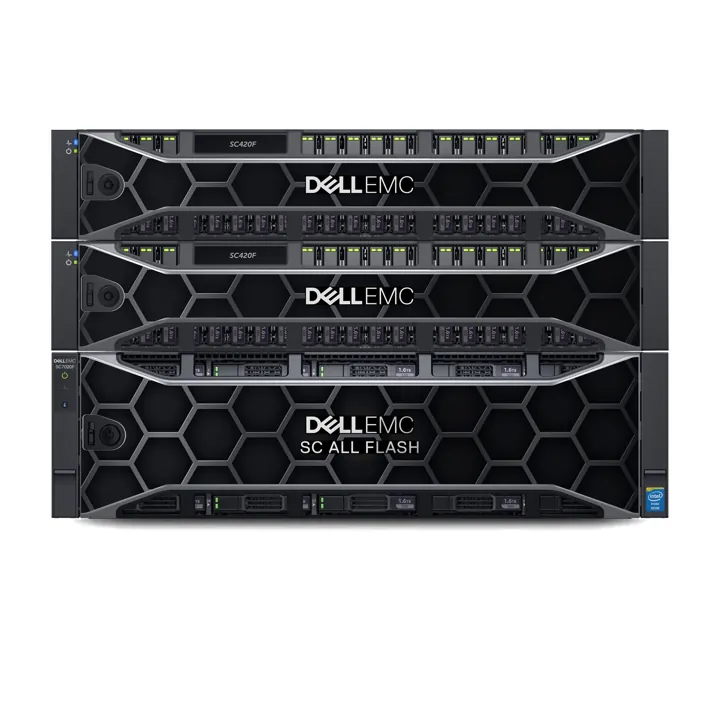
Dell SCOS 7.3 innovates again
09 Sep 2018
We’ve long been a fan of the Dell SC series storage arrays. But with the 7.3 series firmware, Dell has blown our expectations out of …
Read more
And the winner is…
01 Aug 2018
Congratulations to Bruce Amery from Highlands Motor Inn who is the winner of our Security Software and Updates survey. Bruce is the proud owner of …
Read more
Celebrate! We’ve been selected to be a Dell EMC Storage Deployment Partner!
05 Apr 2018
We’re excited to announce that Real World has been named as a Dell EMC SC Storage Deployment Partner. This certification recognises Real World’s experience in …
Read more