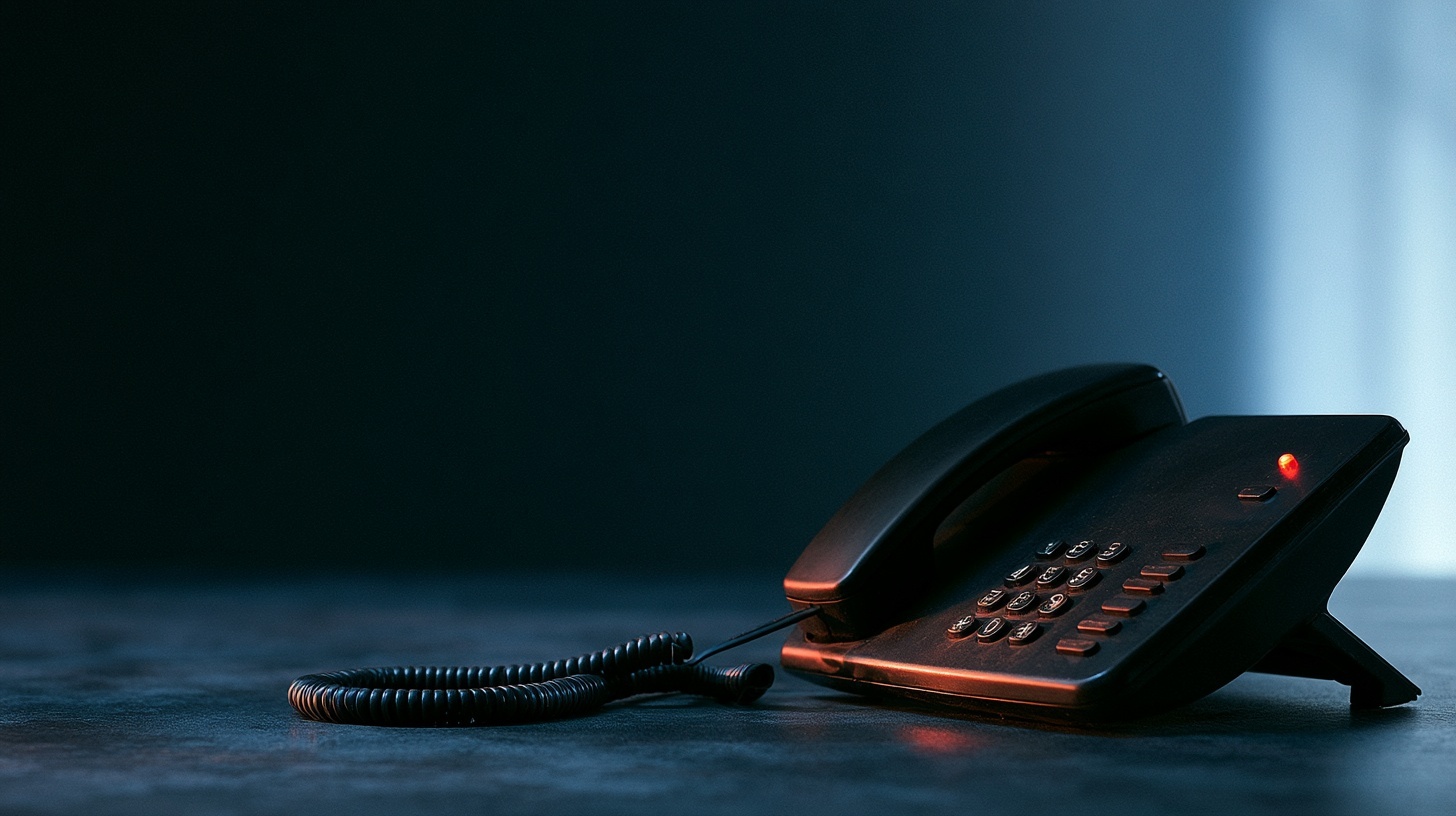
You asked us to change something on a desk phone. Add a line key. Change a name on the display. Move an extension to a new person.
And we came back and said the handset needs replacing first.
That's a frustrating answer, especially when the phone is sitting there working perfectly well. So here's the honest explanation.
The Phone Works. That's Not the Whole Story.
A desk phone from 2016 will still make and receive calls today. It'll do it for years yet. Nothing about the handset wears out the way a laptop battery does.
But a phone on CloudPBX isn't a standalone device. It checks in with our platform, pulls its configuration, and follows whatever we tell it. That conversation between the phone and our platform is where the trouble starts, because the platform has moved on and the old handset can't follow.
Security Standards Have Moved
When your phone collects its configuration, that connection is encrypted. It has to be. The file contains your extension details, your credentials, and your directory.
The encryption standards for that connection get tightened over time, and rightly so. Methods that were fine a few years ago have known weaknesses now, and we retire them. Modern handsets get a firmware update and carry on.
Older handsets can't. The manufacturer stopped writing firmware for them, so there's no update that teaches them the newer encryption. The phone tries to connect, fails, and there's nothing on our side that can safely fix it. We're not going to weaken security across the platform to accommodate one old handset.
New Features Need a Phone That Understands Them
Every setting we push to a handset has to exist in that handset's firmware. If we're configuring something introduced after the phone stopped receiving updates, there's simply nothing there to configure.
This is why a request that sounds small can turn out to be impossible. The setting exists on our platform. It just doesn't exist on your phone.
Security Updates Stop
Manufacturers publish firmware fixes for a while after they stop selling a model, then wind that down and eventually stop altogether. Yealink's own lifecycle policy runs on roughly a five year clock from the day a model stops being sold, and fixes become discretionary well before the end of it.
Once a model reaches that point, any security problem discovered afterwards stays unfixed. Permanently. There's no patch coming, because nobody is writing patches.
In August 2025 the US Cybersecurity and Infrastructure Security Agency published an advisory covering a long list of Yealink handsets and the cloud service used to set them up. Newer models got firmware. Several older ones didn't, and won't.
Manufacturer Services Get Switched Off Too
Most handsets we ship are configured automatically. Plug it in, and it finds its way to our platform without anyone touching it. That first step relies on a service the manufacturer runs.
On 1 October 2025 Yealink retired the older version of that service. Some models lost access to it for good.
The practical effect is narrow but genuinely painful. A phone that's already set up keeps working. But if that phone is ever factory reset, or loses its configuration, or you move it to a new site, it can't find its way back on its own. What used to be a five minute remote fix becomes someone standing in your office typing settings in by hand.
Credentials Sometimes Have to Change
Every so often we need to change the credentials a phone uses to connect to our platform. Sometimes that's routine housekeeping. Sometimes it's a precaution, and we'd rather do it and not have needed to than the other way round.
On a current handset you'll never notice. We push the new details, the phone collects them on its next check-in, and it carries on. Usually overnight, while nobody's looking.
Older handsets are where this gets awkward. Some won't apply a credential change without being rebooted first. Some won't take it reliably at all, and the only dependable way to get new details onto them is to wipe the phone and set it up again from scratch.
Which brings us straight back to the problem above. Wiping an old handset is the one thing it can't recover from on its own.
So a security change that passes unnoticed on a modern phone becomes a site visit on an old one, and occasionally it means the handset can't be brought back at all.
What This Means For You Day To Day
Your existing phones keep working. We're not switching anything off, and there's no deadline you need to worry about this week.
The pinch points are the moments of change. New starters. Office moves. A phone that gets replaced or reset. A feature you'd like added. Those are the times an old handset turns from "fine" into "we need to talk about this one."
One request, and it's an important one: don't factory reset an old handset before calling us. On a current phone that's a routine troubleshooting step. On an old one it can be the difference between a remote fix and a site visit.
This Isn't Unusual
Every piece of technology you own works this way. Windows versions stop getting updates. Routers stop getting firmware. Your mobile eventually stops receiving the security patches it launched with, and you replace it without thinking of it as a failure.
Desk phones just last longer than most things, so the gap between "still works" and "still supported" gets wider than people expect. Ten years is a long innings for a piece of network equipment. It's an unremarkable age for something sitting on a desk.
So when we tell you a handset has reached the end of its useful life, we're not looking for a hardware sale. We're telling you that we've run out of safe ways to support it.
How We'll Handle It
We'd rather plan this than react to it. Ask us and we'll tell you which of your handsets are still fully supported, which are near the end, and which ones will cause problems the next time they're touched.
Then you can replace them on your own schedule, in batches that suit your budget, instead of one at a time in a hurry because something broke on a Monday morning.
Not sure what you've got? Call us on 1300 798 718 and we'll go through your fleet with you.
How we can help
More from the blog

Stage Desk: the app I built last weekend using AI to run an AI workshop for people who don't know anything about AI
21 Sep 2026
Built in a weekend using AI, Stage Desk is a custom workshop app that combines slides, live image and video generation, and multi-screen control — …
Read more
Who Can See What Your AI Note-Taker Records?
15 Aug 2026
Article Summary: AI note-takers join your meetings, transcribe everything said, and save the recording and summary to the vendor's servers. Who can see that recording …
Read more
The Future Is Now. Where Is the Cost?
27 Jul 2026
AI is transforming MSP operations — but the human cost of adoption rarely makes it into the business case. Before raising targets or redesigning roles, …
Read more